
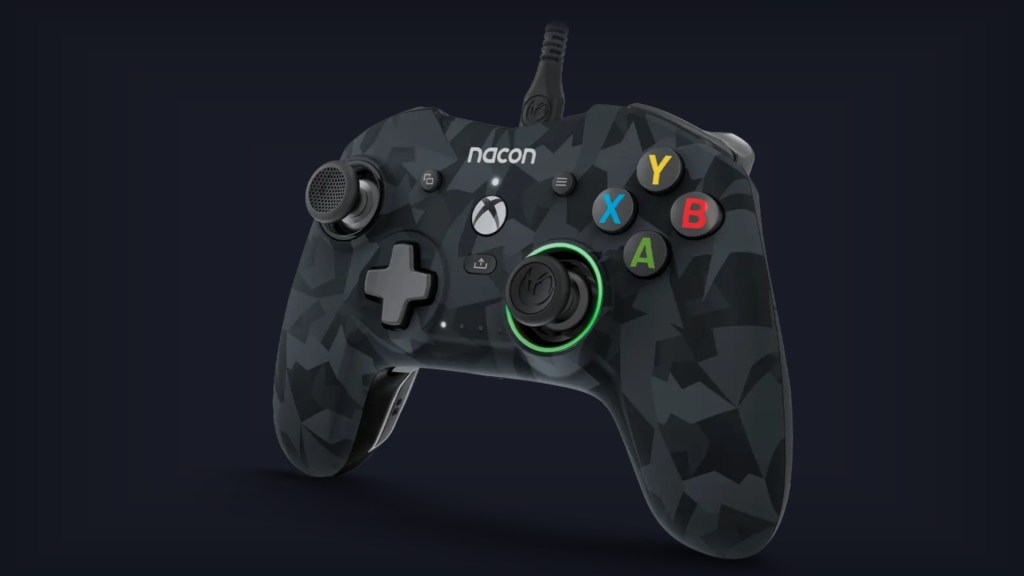
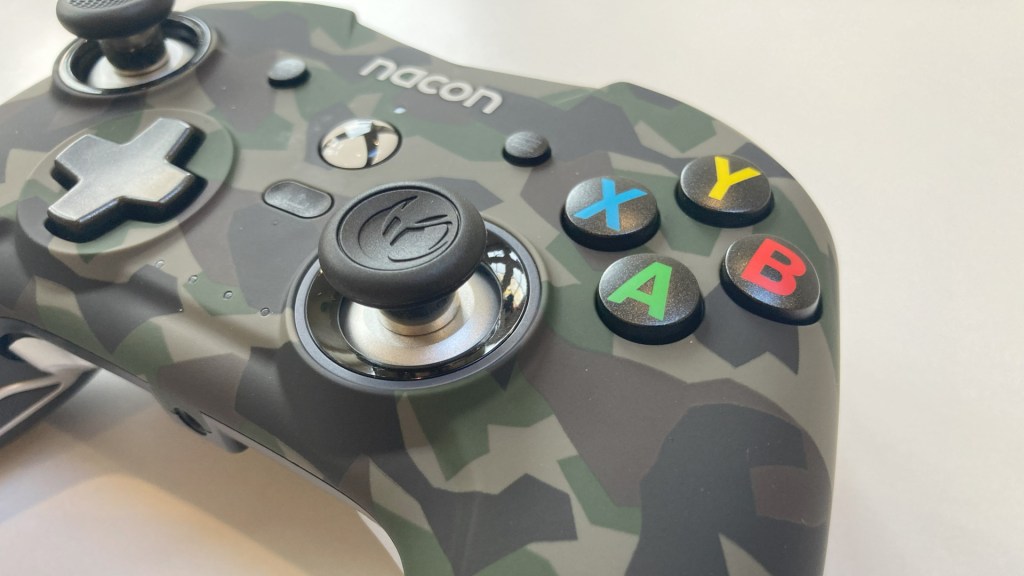
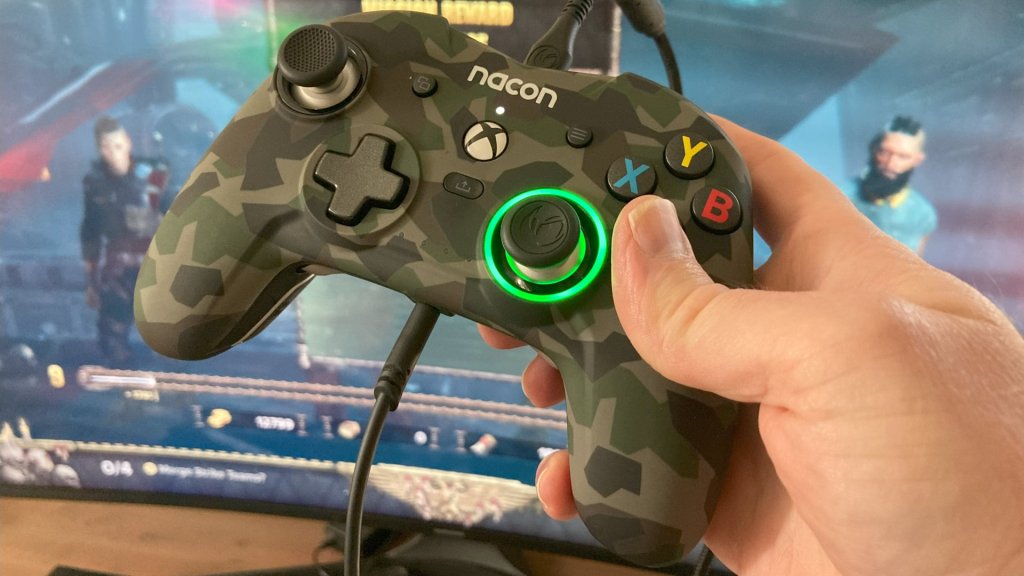
The Nacon Revolution X (the Limited Edition Forest Camo variant seen below) is a “Pro Grade” controller for Xbox One and Series S|X consoles, and PC. As an official “Designed for Xbox” product, it offers a familiar layout, the basic functionality you’d expect, and then quite a bit more. With a price tag close to that of premium, third-party options from the likes of Razer and Thrustmaster, the Nacon Revolution X is a highly customisable and feature-rich choice – with a quality set of accessories, rear buttons, and easy-to-use software for tweaking – but it lacks the premium “feel” of its peers.
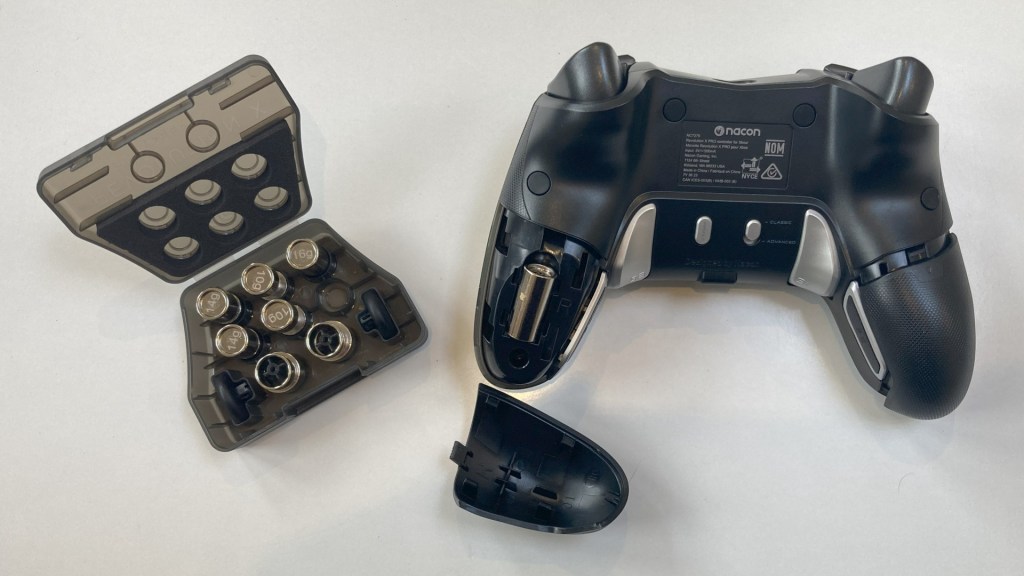
Starting with the many positives, the Nacon Revolution X comes with a fantastic set of accessories. The sturdy carry case houses the controller snugly, along with a swappable weight and thumbstick kit, the braided cable, and a cleaning cloth. Aside from keeping all the components dust-free and together when stored, it’s useful if you’re planning to travel to an event or want to pack it alongside a gaming laptop.
By default, I found the Nacon Revolution X too light for my tastes, but using the extra weights is as simple as sliding off the covers on the rear of each handgrip, inserting them, and clipping the covers back on. If you prefer convex thumbsticks, the default concave variants can be popped off and replaced quickly too.
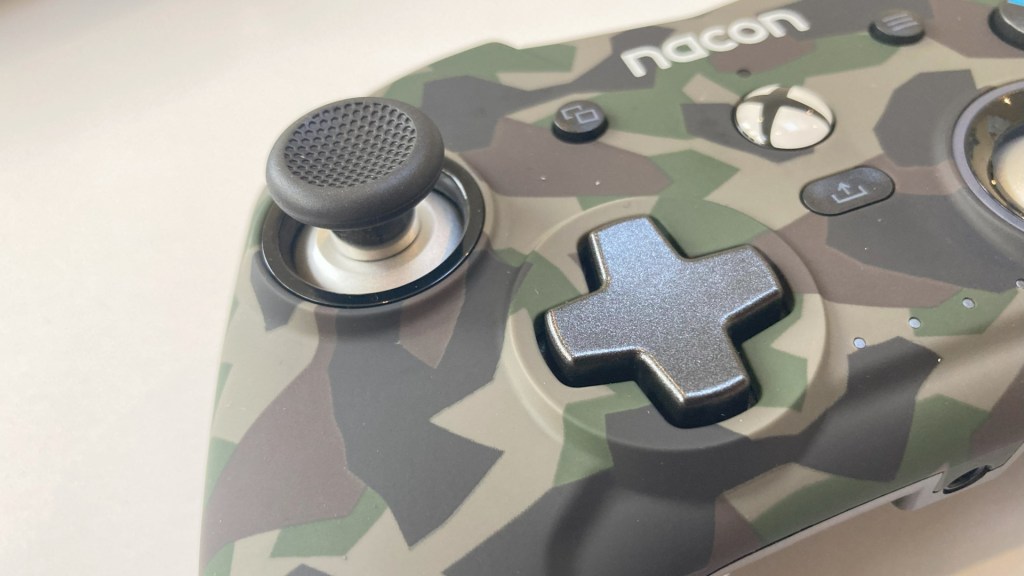
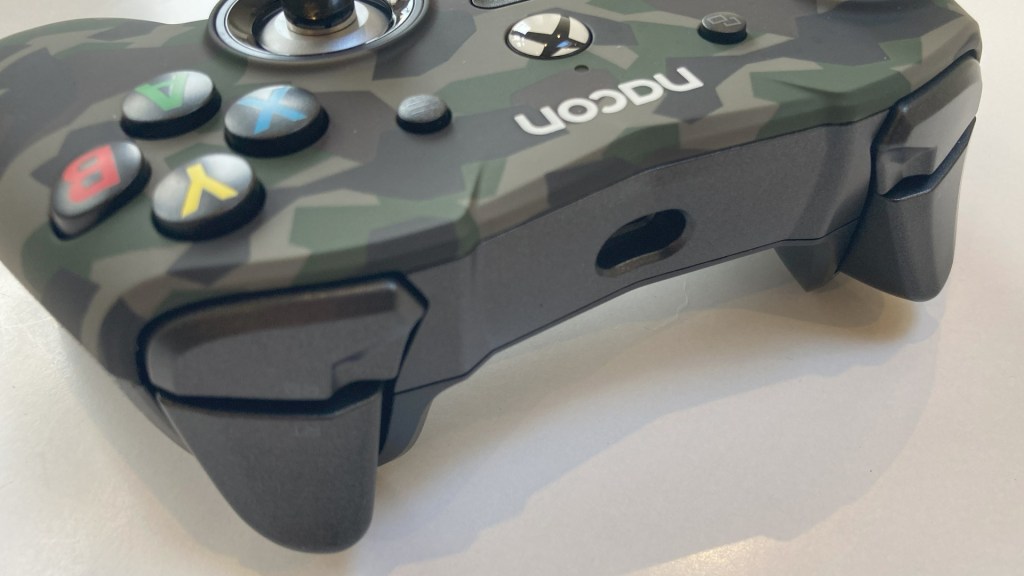
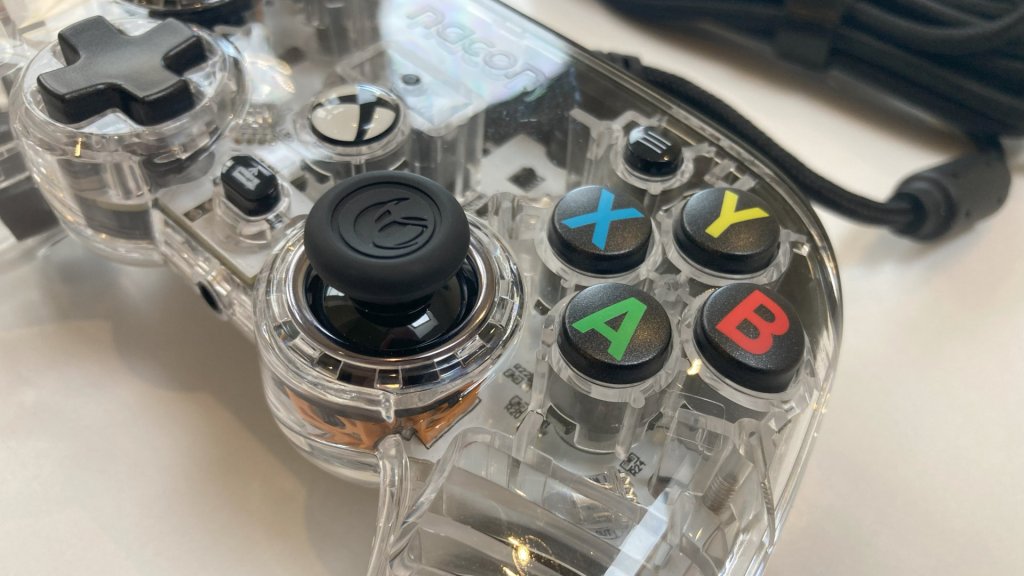
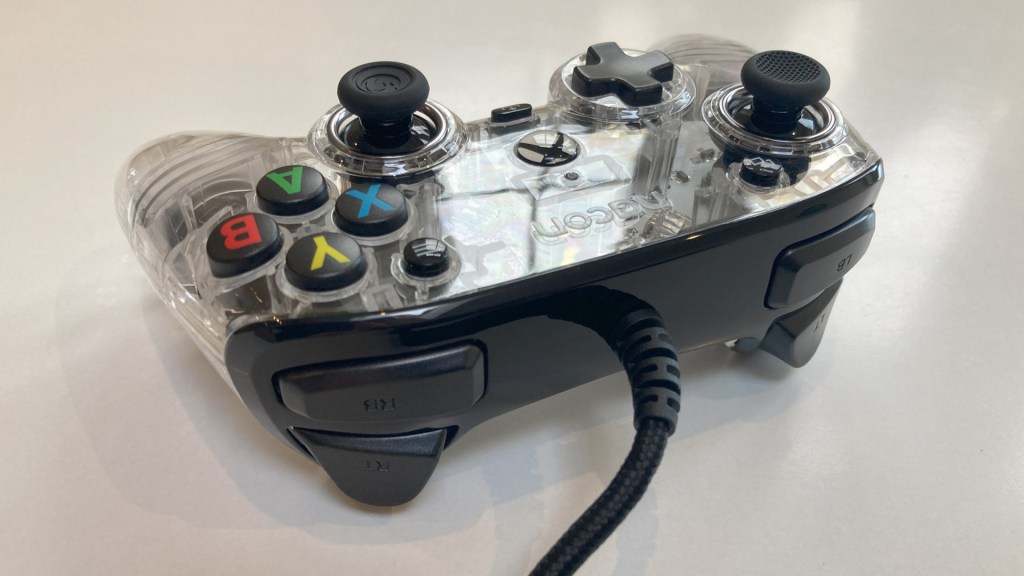
Unlike Nacon’s more budget-friendly gamepads, the Revolution X’s shape is much closer to that of original Microsoft hardware – albeit with some smart changes, like a more prominent groove below the triggers that guide your middle and ring fingers towards the additional back buttons. As a “Designed for Xbox” product, the basic thumbstick, button, bumper, and trigger designs are almost identical with similar spacing – aside from the Xbox button that’s been shifted downwards and the view and menu buttons slightly further apart.
The face buttons and bumpers offer a familiar clicky feel, while the broad triggers offer a little more resistance but a similar range. Nacon thumbsticks remain a highlight – sturdy, responsive, and comfortable – with a raised rubber edge and texture that ensures your thumbs don’t slip. Only the 4-way d-pad is a little disappointing with a spongy feel and little feedback as you rotate through each position.
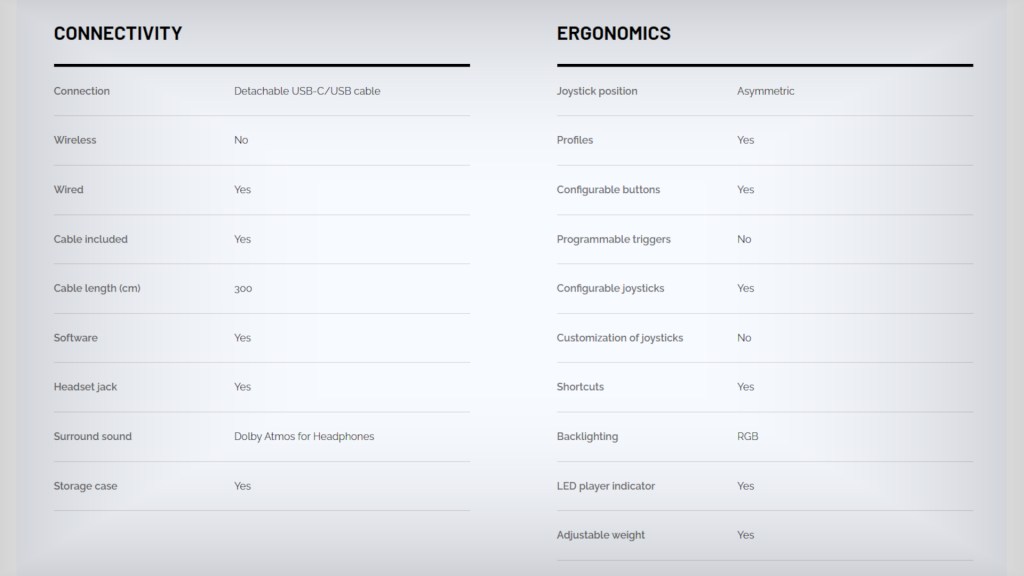
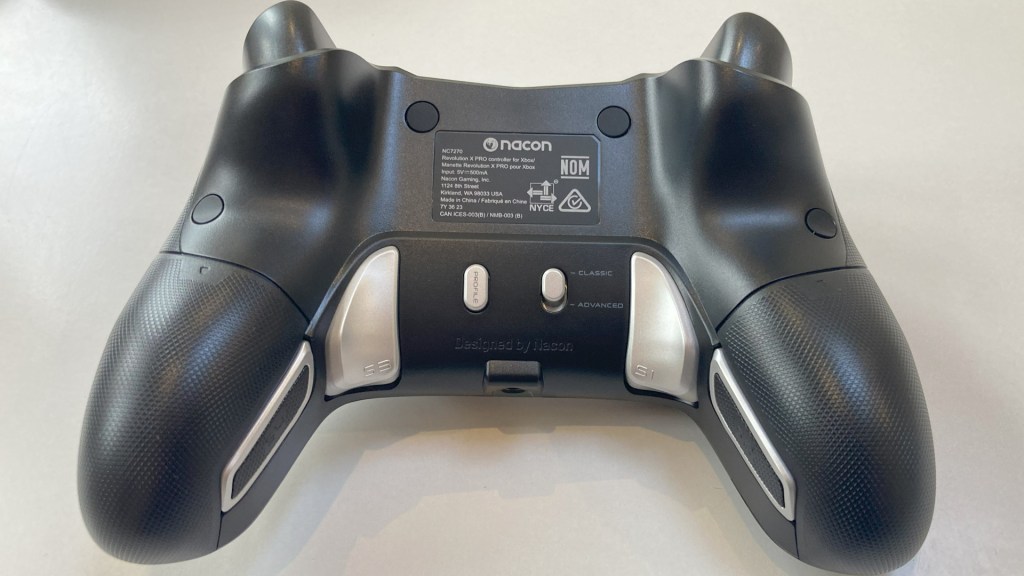
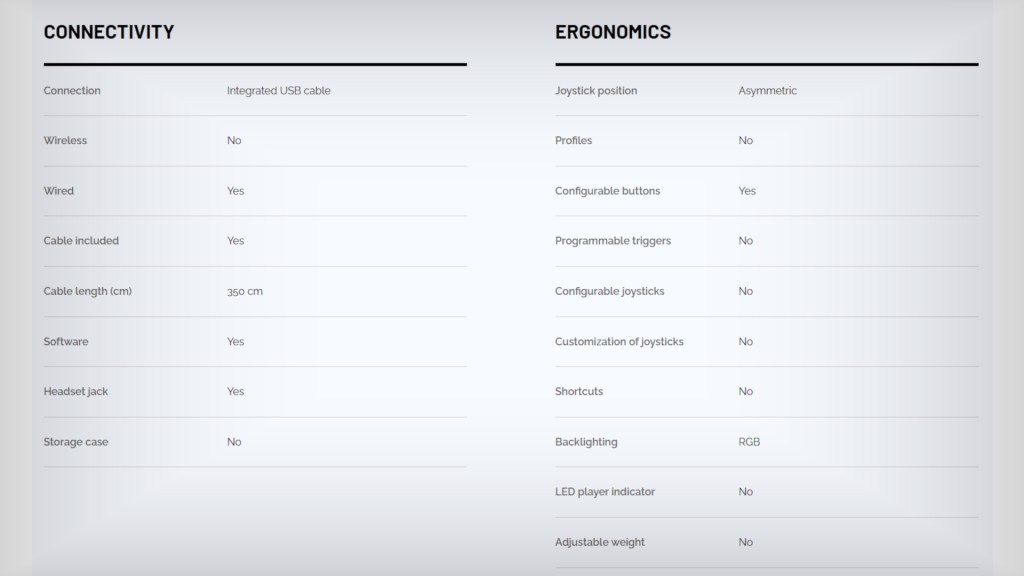
The grips are lightly textured at the back and the detachable 3 m braided cord ensures you can store it easily with minimal twisting or tangling. On the top of the Revolution X you’ll find a recessed USB Type-C port for the cable; on the base a 3.5 mm port that supports Dolby Atmos if a headset is plugged in; and, on the rear, a button for cycling profiles and an “Advanced” toggle for enabling software programmable functions.
Most significantly, you’ll find two prominent trigger-like buttons where your middle fingertips rest, and below them, two flatter buttons on the inside of the grip you can access with your fourth digit. They don’t have the same tactile feedback offered by paddles, but they are easier to use – albeit perhaps a little too easy depending on how tightly you grip. As someone who always finds it uncomfortable clicking down the thumbsticks while moving and aiming in action games, I bound the trigger-esque buttons to L3 and R3 respectively, then used the two smaller buttons for priority d-pad shortcuts.
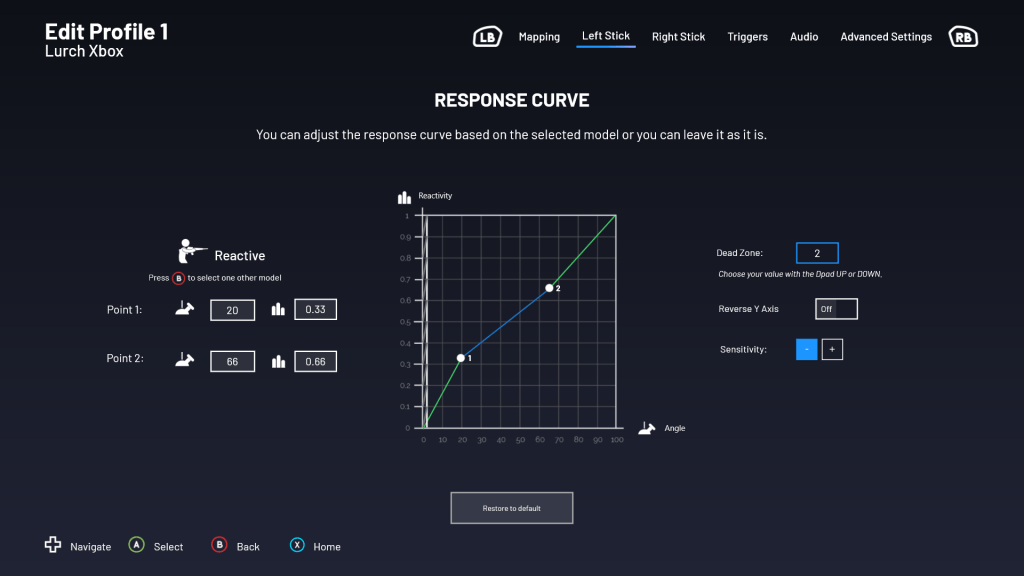
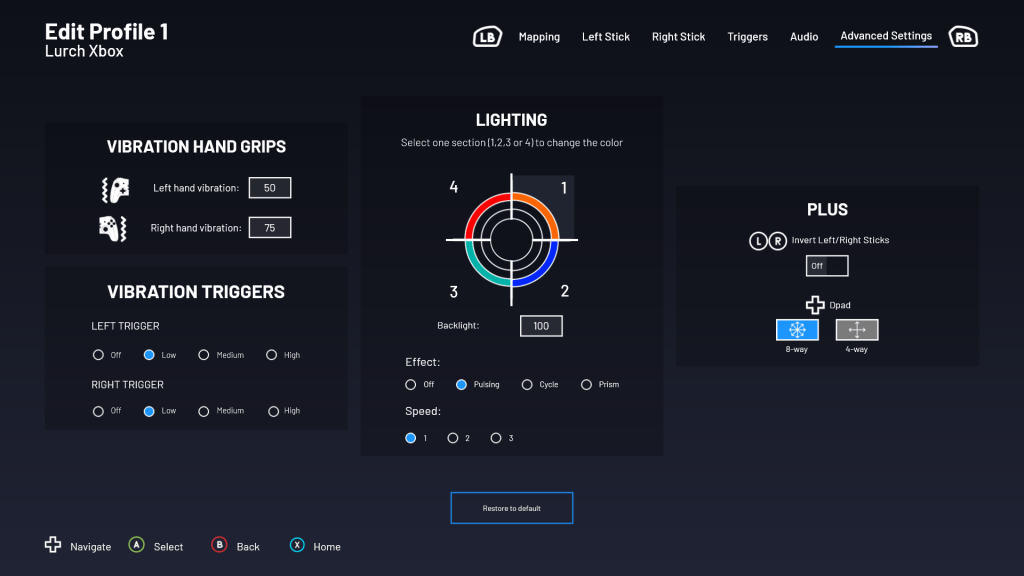
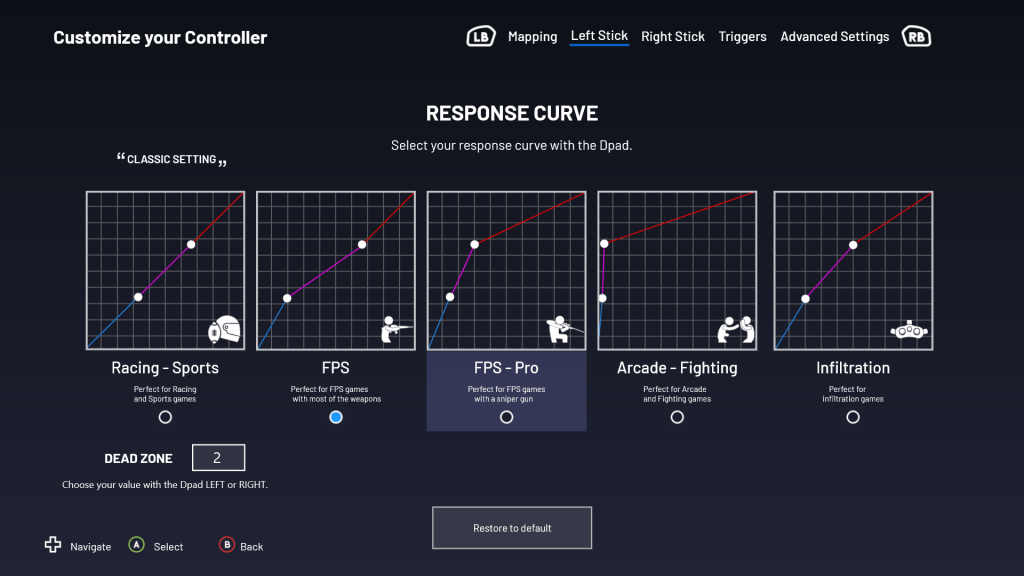
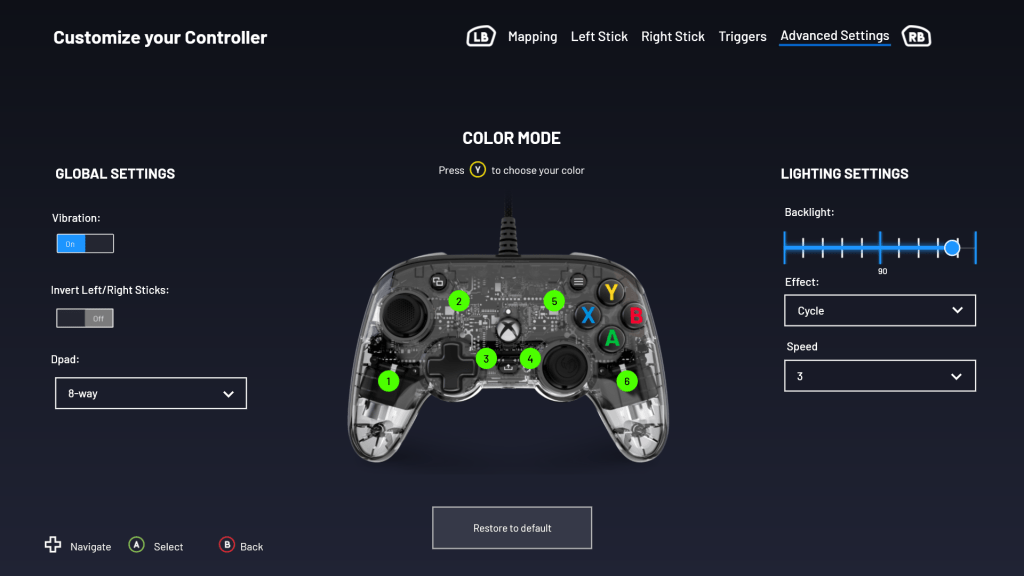
Talking of assigning inputs, the Revolution X uses the same simple and intuitive software you can find on Nacon’s budget models, just with an added layer of depth that allows more fine-tuning and completely custom presets. You get the expected full button-remapping; you can invert thumbsticks, adjust dead-zones, or tweak their response pattern curve inflection points precisely; you can adjust trigger activation ranges and dead-zones; control grip and trigger vibration intensity individually; and define the d-pad as a 4- or 8-way input depending on the game.
The default presets all provide a demonstration panel to reflect the impact of each adjustment, but you can tweak parameters in the app and switch saved profiles on the fly – making it easy to test the results in-game where it counts most. More and more games offer similar functionality within their option menus, but it’s great to create a few genre-specific profiles and not have to do it on a per-game basis.

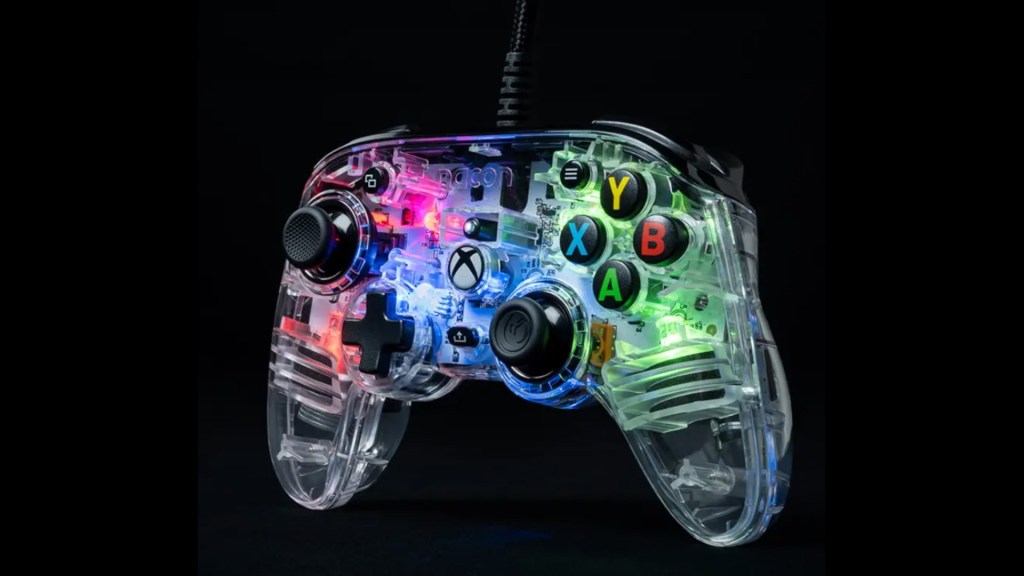
The Revolution X has a single RGB ring around the right thumbstick, with quadrants you can individually customise by changing the colour and LED pattern. It provides some light visual customisation options, but it’s more useful for indicating which profile is active without going into the app.
Also of interest is the Equaliser function when you’re using the headphone port, allowing you to enable a 3D audio effect (whether this is just Dolby Atmos or a discrete function is not clear); you can pick a preset for different genres that amplify certain frequencies; or adjust microphone gain and noise suppression if you’re in party chat. As I prefer system-level adjustments, I didn’t get much out of it, but it’s another nice-to-have option.

Unfortunately, a smart form factor, extra inputs, and software programmable functions are only one part of the premium experience; the other is how the gamepad feels in action, in your hands. Despite decent build quality, the Revolution X feels incredibly plastic-ey. It’s hard, smooth, and slippery, to the point even the textured grips achieve little if your hands are dry.
This might seem like a nitpick, but if you’re holding something for hours on end, properly textured and ideally rubberised grips are one of the major benefits of a premium gamepad – and it’s a feature several similarly priced pads offer. Nacon could benefit from releasing silicon grips or a protection kit for the Revolution X, as it’s something I’d consider an essential extra if the other features have convinced you to pick one up.
The Nacon Revolution X also benefits from simple software use with unified features that work across last-gen Xbox One consoles, current-gen Xbox Series consoles, and PCs. It’s plug-and-play and, better still, the software app functions identically on all devices and syncs with your profile between them. Additionally, if you’re a fan of retro games, the wired Nacon Revolution X has far greater compatibility with older GOG and Steam PC games from the mid-2000s onwards, whereas they often bug out when using Bluetooth or a wireless adapter.
So wrapping up, the Nacon Revolution X is an unexpectedly feature-rich controller given the price point. It’s highly customisable with swappable weights and thumbstick options; it has additional inputs, and easy-to-use software; and it comes with a fantastic accessory set and carry case. Unlike some of their cheaper gamepads, the form factor is great and smartly guides your fingers to the additional rear inputs. All that said, it lacks decent textured or rubberised grips to complete the package and give it that “premium feel”.
Pros:
- Decent build quality with a familiar layout and tactile feel similar to that of Microsoft gamepads
- Well-situated rear inputs that are easy to use
- Intuitive software allows you to tweak almost every part of the gamepad on a granular level
- A fantastic accessory set is included
- Quality braided cable that’ll survive handling and storage
Cons:
- It needs better textured or ideally rubberised grips for a more premium feel
Score: 8/10
A review sample of the Nacon Revolution X Limited Edition Camo was provided to gameblur by the manufacturer.
 gameblur-v2.0